How to Install WORKSHOP MODS on Your Ground Branch Dedicated Server Using Your COMPUTER
In this computer-based guide, we will show you how to install Workshop mods on your Ground Branch dedicated game server using your computer. With the game engines new automatic mods installer, the process is fast, reliable, and perfect for beginners on the go.
How to Install the Workshop Mods
- Stop your Ground Branch server from your game panel.
- Click the Configuration Files button in the left hand menus of your control panel.
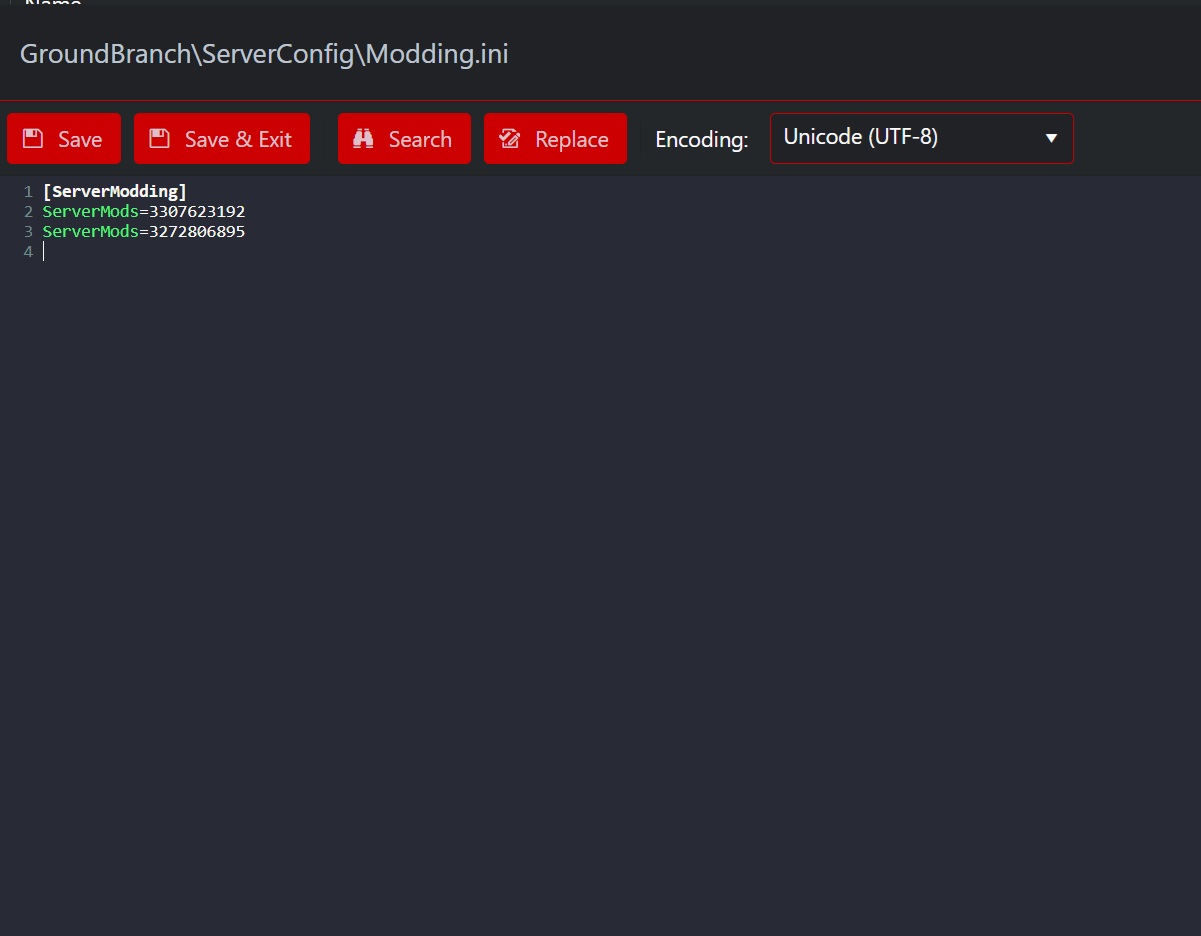
- Click on the text editor to the right of your Modding.ini (Workshop File)
- Copy and Paste the WorkshopID from their URLs to the right of the ServerMods= field (one per line) and click Save+exit. (*)
- Start your server to begin the mod download process.
(*) To find the ModId of the mod open the workshop page of the mod you wish to add and copy the numbers at the end of the workshop page link, example: https://steamcommunity.com/sharedfiles/filedetails/?id=3307623192 the ModID is 3307623192
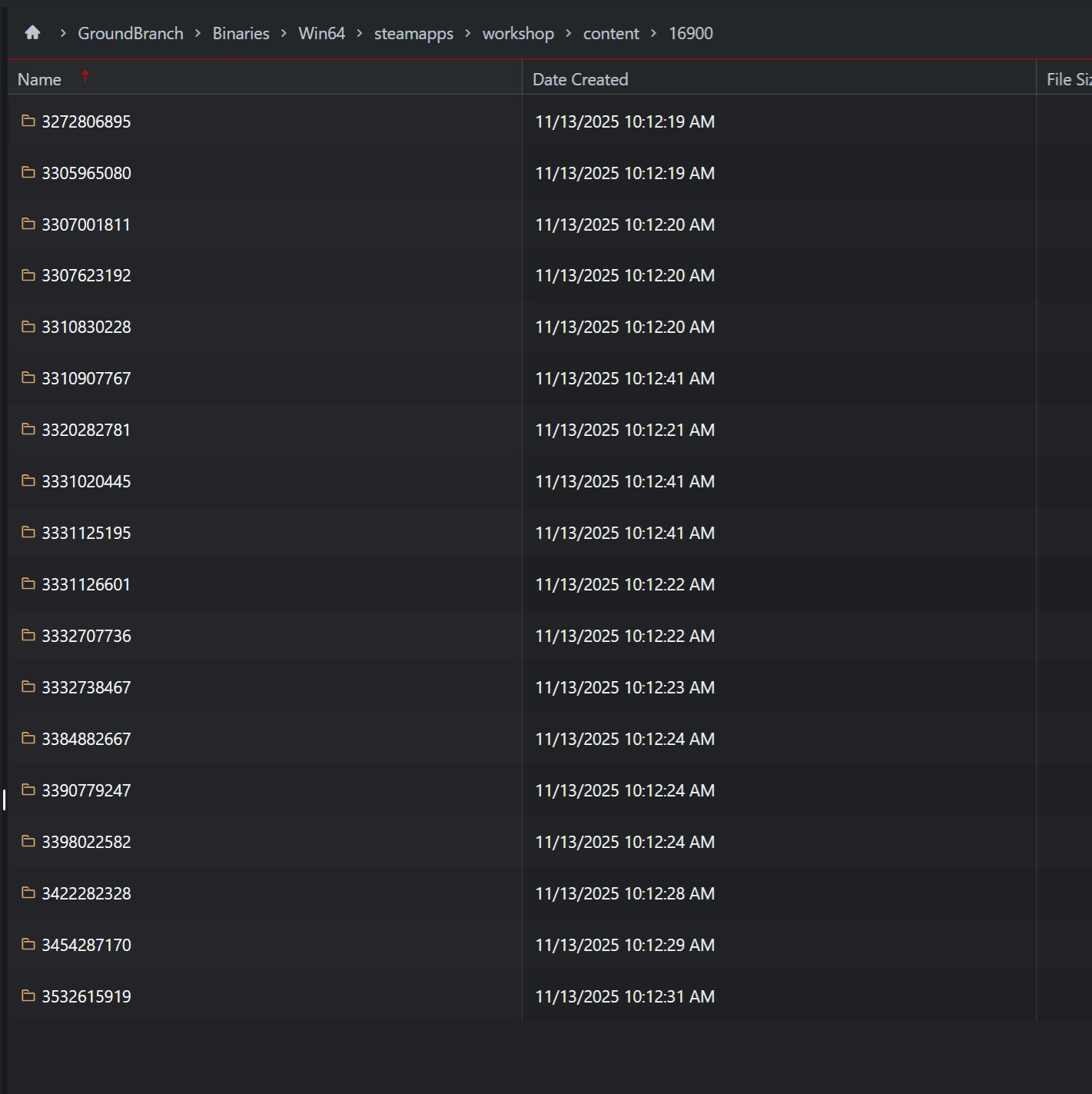
To remove any mods completely you will need to stop the server and delete their mod cache by workshop ID located in your servers file manager as well as removing their MODiD from the Modding.ini :