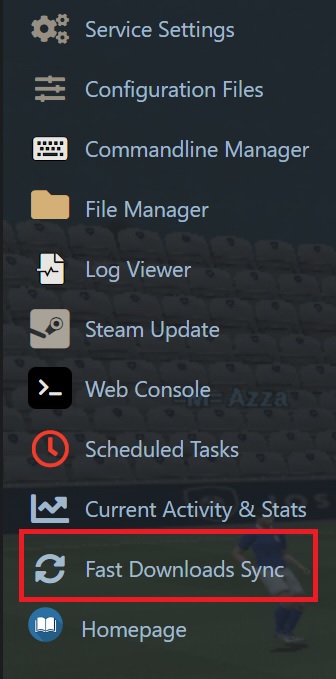
This guide will help you set up your fastdownloads with one click of a button
Connect to your server through FTP or use your filemanager and is the easiest way to upload files to your game server look for the dod\maps\ and upload your map.bsp here. Materials need to go in dod\materials
For those of you that do not know what FTP is, we have written a guide to show you how to download and run a FTP client the guide can be found here: FTP Guide
Once the upload has finished (important) simply click the "Fastdl Sync" button in your game panel and once the process is complete start your server its as simple as that!